
Your Opportunity Hub profile is the first thing a project owner sees when browsing for assistance on projects. Here are a few tips for building your profile:
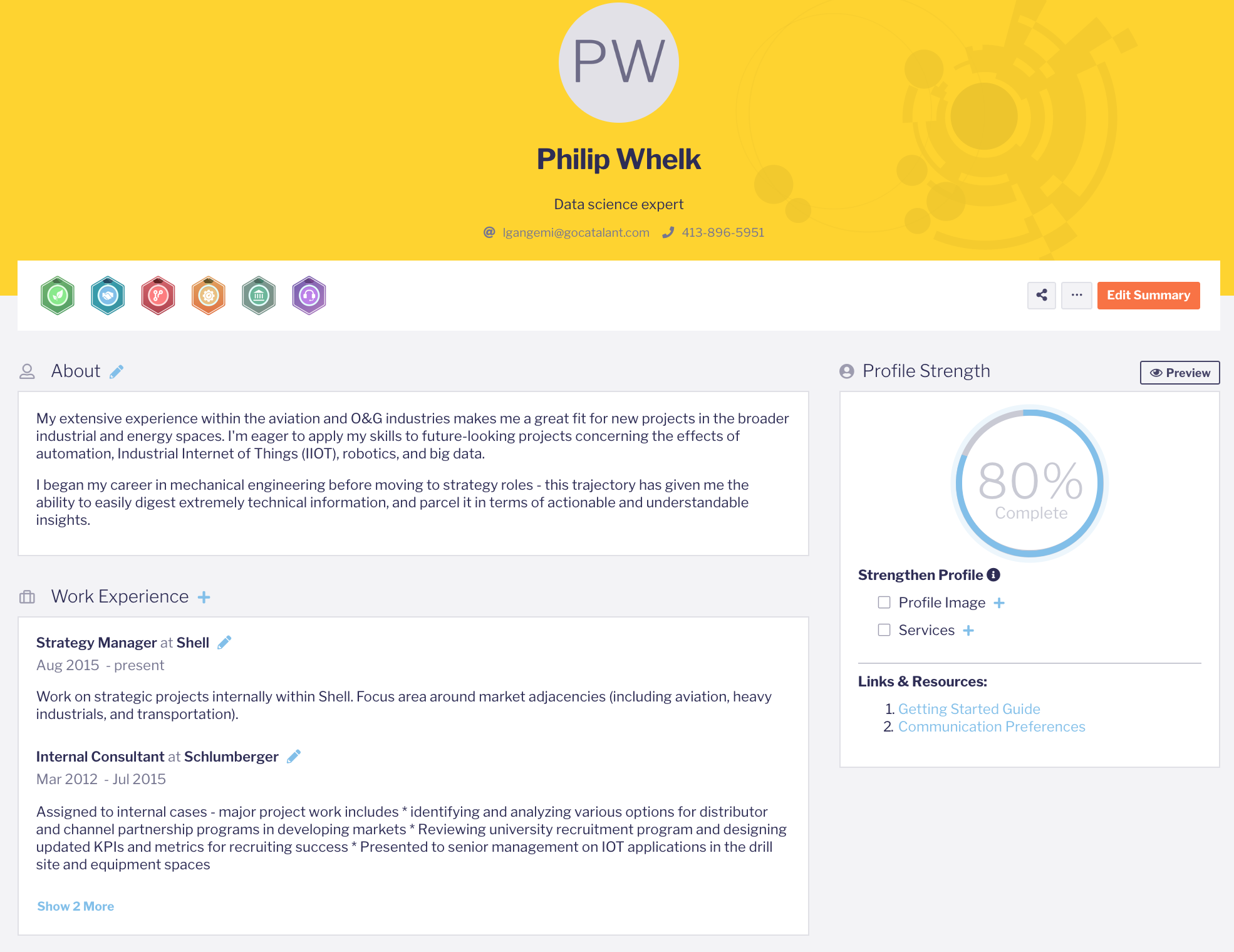
1) Highlight your core interests
While you can highlight multiple areas of interests, it’s best to focus on areas that align most closely with your career goals to help our algorithm best match you with opportunities.
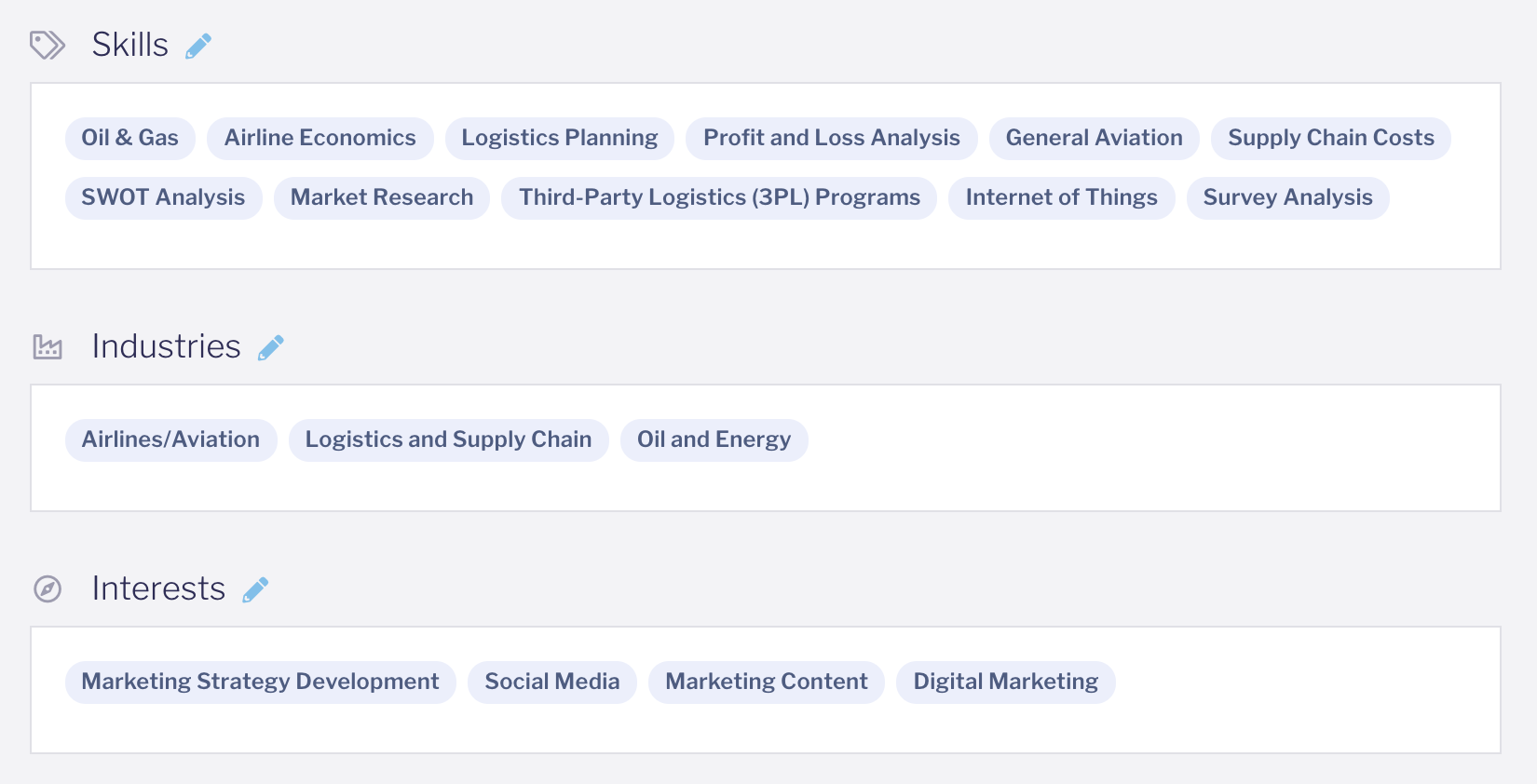
2) Showcase your experience and skills
Easily update your work experience by using the guided resume upload feature to upload profile details from a PDF of your LinkedIn profile. To get a PDF version of your profile, go to www.LinkedIn.com, navigate to your profile, click ‘More…’ and select Save to PDF.
Then be sure to list your skills to demonstrate your core strengths and capabilities.
3) Keep your profile up-to-date
Make sure your experience, availability, and location are properly represented so you’re recommended for the most relevant opportunities.